
Context
Graduated in December 2024 with a Master’s in Digital Innovation Management at the Web School Factory, and after 10 years of graduate studies in different fields, I decided to take time for myself.
I subsequently concretized my year 2025 to improve myself in necessary areas, notably the learning of no-code, to have an assertive technical knowledge.
My Role
No-code Developer
Date
January 2025 - 2026
The Problem :
How can I improve as a designer ?
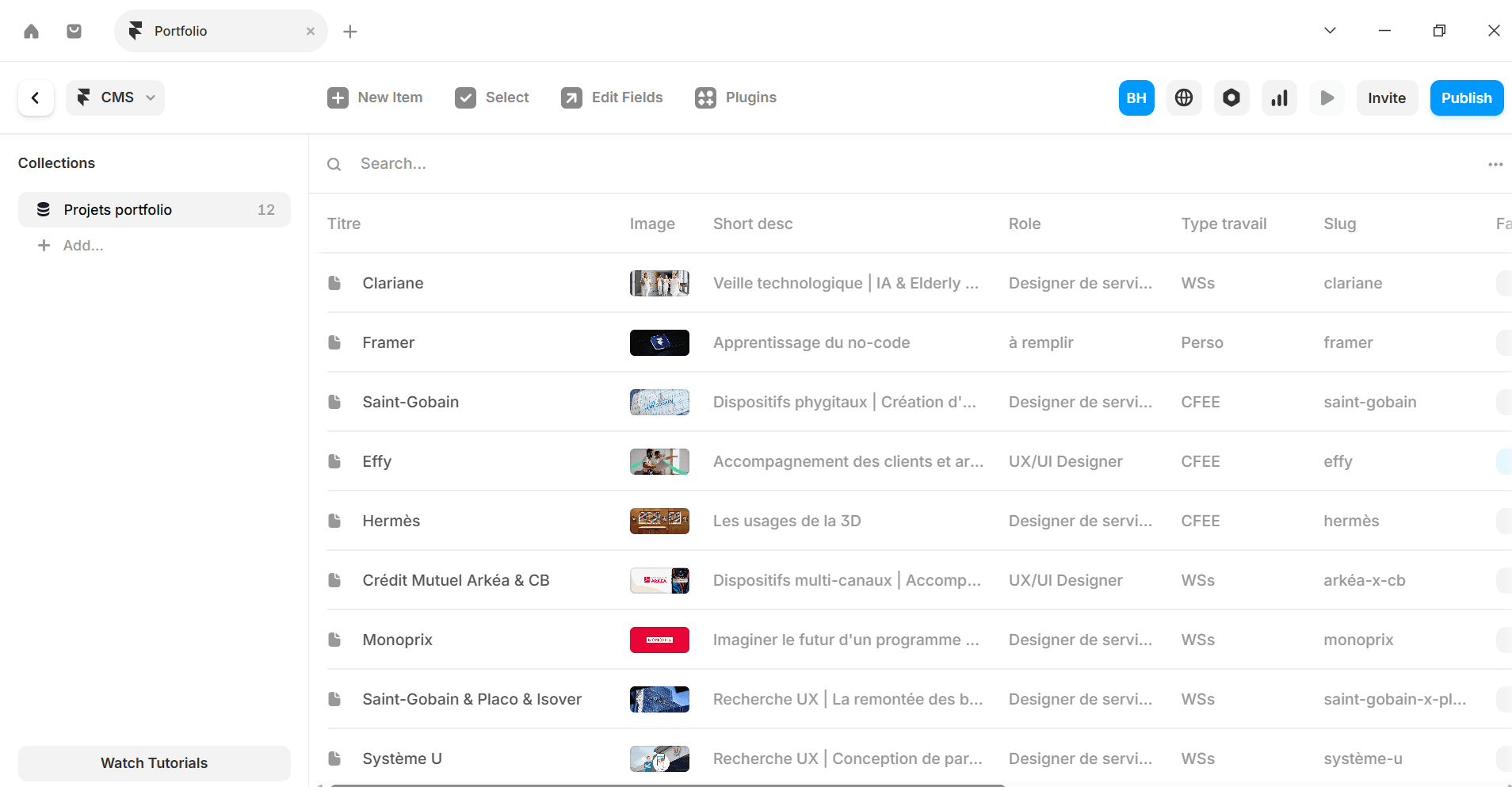
This portfolio was made by myself.
Discovery
As a UX/UI Designer, I find that no-code is a powerful lever.
This allows me to be able to offer creative continuity, whereas the code requires mental gymnastics, the no-code uses the WYSIWYG principle (What You See Is What You Get).
In no-code, the tool becomes an extension of our design software. Which greatly reduces the friction between the idea and the realization.


Define
Learning the no-code allows me to deliver a finished and functional product, not just an image of the product. Therefore, responsibilities are added.
The contributions :
- Autonomy : the no-code allows a UX/UI Designer to launch an MVP or a landing page without depending on a developer
- A market value : for a client, a designer who also knows how to "build" the site is much more profitable than a designer who only delivers PDF or Figma files.
It’s a plus to be proud of.
My statement :
This portfolio was made by myself.
Design
Learning no-code allows you to master logic without syntax.
Indeed, the hardest part in development is not logic (if the user clicks here, then this happens), but syntax (commas, parentheses, frameworks that change every two years...)
No-code allows us to learn the fundamentals of the web (the box model, databases, conditions) without the frustration of a "blank page" when faced with a syntax bug.

Delivery
The no-code allows creating high-fidelity prototyping. Instead of simulating interactions with sometimes limited Figma prototypes, no-code allows testing the UX with real data.
We have the possibility to test, among other things :
- Integrations of media type elements
- Research systems
- Fluid animations
All these elements will behave exactly as in the final product.
Of course, no-code does not replace technical culture. But it makes it completely more accessible from my point of view.